
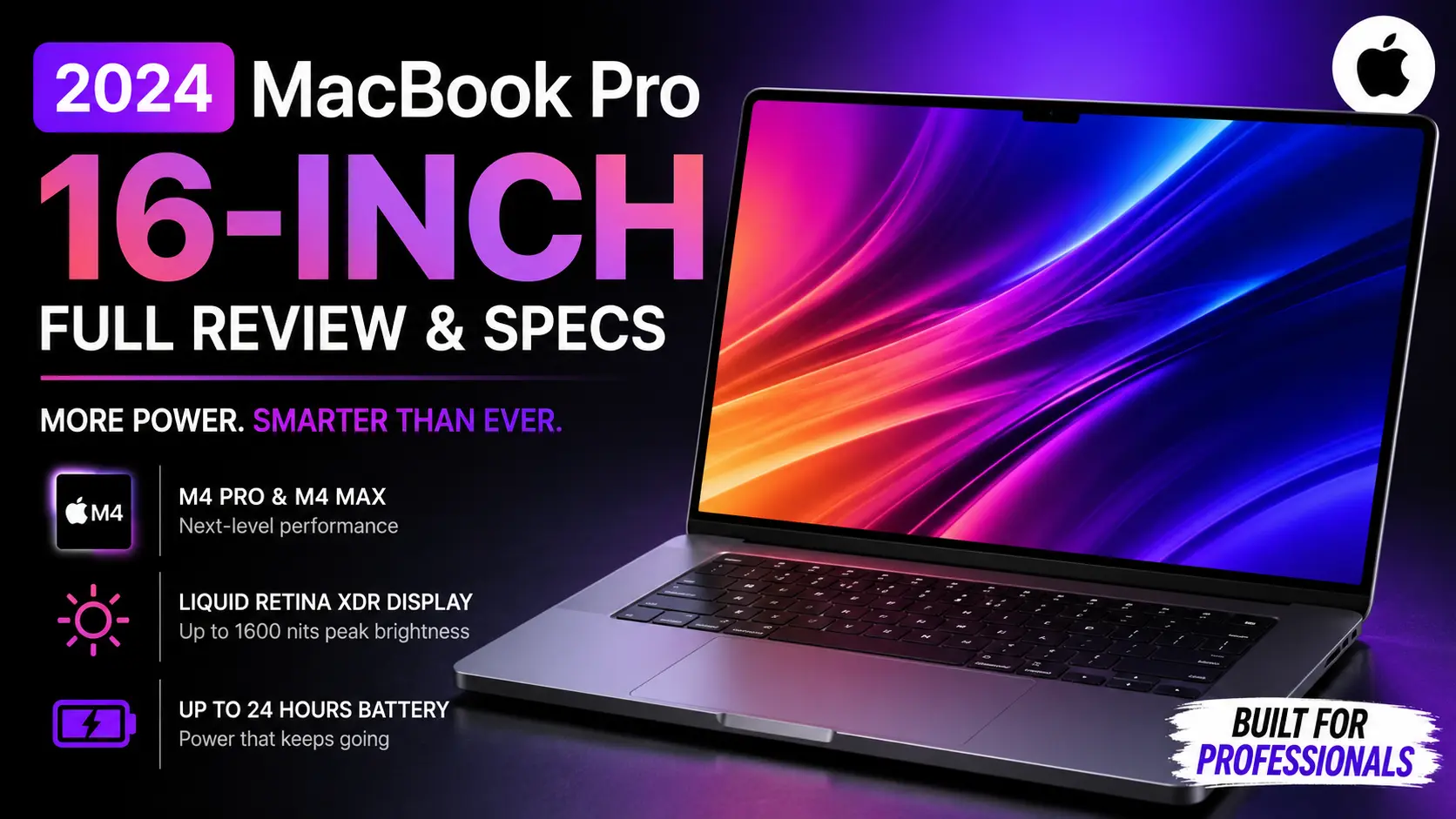
MacBook Pro 16-inch (2024) : Apple’s Most Powerful Laptop Just Got Smarter
The new MacBook Pro 16-inch (2024) is not a dramatic redesign.
And honestly, that might be the best thing about it.
Apple looked at a machine that was already loved by developers, video editors, designers, and creative professionals, then improved the areas that actually matter. Better performance. Longer battery life. Smarter AI-focused hardware. A brighter display experience.
After reading through the official specifications and comparing them with previous generations, one thing becomes clear.
This MacBook Pro feels less like a new experiment and more like a refined professional tool.
Release Date: October 2024. Apple introduced the MacBook Pro 16-inch (2024) with the new M4 Pro and M4 Max chips, bringing another big jump in performance and efficiency.
First Impressions: Familiar Outside, Different Inside
At first glance, you may not notice much has changed.
The aluminum body remains premium. The sharp edges are still there. The Space Black finish continues to look stunning, especially under soft lighting.
I showed the product photos to a friend who owns an M3 MacBook Pro.
His first reaction?
“Wait… isn’t this the same laptop?”
Well, yes and no.
The real story sits inside the machine.
Apple has focused heavily on performance, AI processing, graphics power, and efficiency rather than changing the design for the sake of marketing.
And for professional users, that approach makes sense.
Design Quality Still Feels Premium
The MacBook Pro 16-inch continues to be one of the most solid laptops in the market.
Open the lid with one finger.
No wobbling.
No cheap plastic feeling.
No unnecessary gaming-laptop aesthetics.
Just a clean professional machine.
The Space Black version deserves special mention. It looks modern without being flashy.
Though yes, fingerprints still love dark surfaces.
The M4 Pro and M4 Max Chips Are the Real Headline
Apple’s biggest upgrade this year is the M4 family.
The base MacBook Pro 16-inch starts with the M4 Pro chip featuring a 14-core CPU and a 20-core GPU. Users who need extreme performance can configure the machine with the M4 Max chip, which goes up to a 16-core CPU and a 40-core GPU.
On paper, those numbers look impressive.
In real-world work, they matter even more.
Imagine exporting a large 4K video project.
Or rendering a complex 3D scene.
Or compiling a huge software project.
Those are the situations where the M4 Pro and M4 Max begin to separate themselves from ordinary laptops.
I personally think Apple has reached a point where most users will never fully utilize the power available here.
And that’s actually a good problem to have.
Built for AI Workloads
One interesting detail is the 16-core Neural Engine included with both M4 Pro and M4 Max chips.
AI features are becoming part of everyday computing.
Photo editing.
Writing assistance.
Code generation.
Voice processing.
Local AI models.
Apple seems to be preparing the MacBook Pro for the next five years rather than just the next year.
That long-term thinking is something many buyers appreciate.
Apple Intelligence Changes the Experience
Apple introduced Apple Intelligence as its new personal intelligence system.
The company describes it as a privacy-focused AI platform designed to help users write, communicate, and complete tasks more efficiently.
Now, let’s be honest.
Every company is talking about AI right now.
Some implementations feel useful.
Some feel like marketing.
Apple’s advantage may be its focus on privacy.
The idea that AI processing can happen while keeping user information protected is likely to attract professional users who handle sensitive data.
Will it replace ChatGPT or other AI tools?
Probably not.
But it can make daily workflows smoother.
And that’s where it becomes valuable.
The Display Continues to Be One of the Best
There are laptop screens.
Then there are MacBook Pro screens.
The 16.2-inch Liquid Retina XDR display remains one of Apple’s strongest selling points. It offers a 3456×2234 resolution, ProMotion support up to 120Hz, and HDR brightness that reaches up to 1600 nits for supported content.
Watching HDR video on this display feels different.
Colors appear deeper.
Highlights pop.
Dark scenes retain detail.
A photographer friend once described the MacBook Pro display in a simple way:
“It feels closer to printed reality.”
That sentence stayed with me.
Because it captures what makes this screen special.
Outdoor Usage Gets Better
One small but practical improvement is the brighter SDR performance outdoors.
Apple claims up to 1000 nits SDR brightness in outdoor situations.
For people working in cafés, airports, university campuses, or near windows, this matters more than benchmark scores.
Sometimes usability wins over raw power.
Battery Life Is Almost Ridiculous
Battery performance has become one of Apple’s biggest strengths.
The M4 Pro version is rated for up to 24 hours of video streaming and up to 17 hours of wireless web usage.
Think about that for a second.
There was a time when carrying a charger everywhere was normal.
Now some users can leave home in the morning and return at night without worrying about battery anxiety.
Real-world usage will vary, of course.
Heavy video editing and rendering can drain power much faster.
Still, Apple’s battery efficiency remains difficult for competitors to match.
Memory and Storage Options Feel Future-Proof
This is where professionals will pay attention.
The MacBook Pro can be configured with up to 128GB unified memory and up to 8TB SSD storage depending on the selected chip configuration.
Those numbers are serious.
A few years ago, that kind of specification belonged mostly to workstation-class machines.
Today, it fits inside a laptop backpack.
If you’re buying a MacBook Pro for long-term professional work, investing in additional memory may be more important than upgrading storage.
Storage can often be expanded externally.
Memory cannot.
Who Should Buy the MacBook Pro 16-inch (2024)?
Not everyone needs this machine.
And that’s perfectly okay.
If your daily work involves web browsing, office tasks, movies, and occasional editing, a MacBook Air might already be enough.
The MacBook Pro 16-inch is for people who push hardware.
Video editors.
Developers.
Music producers.
Photographers.
3D artists.
Engineers.
Content creators.
People who regularly make their computers work hard.
For them, the extra performance and thermal capacity become worthwhile.
A Small Story From the Creative World
A freelance video editor recently described upgrading from an older Intel MacBook Pro to Apple Silicon.
He expected faster exports.
What surprised him was something else.
Silence.
“No fan noise. No heat on my lap. Just work getting done.”
That story perfectly explains why Apple’s recent MacBook Pro lineup has been successful.
Raw speed is nice.
But comfort matters too.
The best technology often disappears into the background and lets you focus on your work.
The MacBook Pro 16-inch (2024) feels very close to that idea.
The Verdict After Looking at the Specifications
The MacBook Pro 16-inch (2024) is not trying to reinvent the laptop.
It doesn’t need to.
Instead, Apple has refined a machine that was already among the best professional laptops available.
The M4 Pro and M4 Max chips bring more performance. Battery life remains exceptional. The display continues to impress. Apple Intelligence introduces new AI-focused possibilities.
If you already own a recent M3 Pro or M3 Max model, upgrading may not be urgent.
But for users coming from Intel Macs, older Apple Silicon devices, or high-end Windows laptops, this machine looks like one of the strongest professional laptop options available today.
And perhaps that’s the biggest compliment you can give a product.
It doesn’t scream for attention.
It simply does its job extremely well.
MacBook Pro 16-inch (2024) FAQs: Common Questions Answered
Is the MacBook Pro 16-inch (2024) Worth Buying?
For many professional users, yes.
If your work includes video editing, programming, graphic design, music production, or 3D rendering, this laptop offers serious performance.
I often tell people this: don’t buy it because it’s Apple’s most powerful laptop. Buy it because your work actually needs that power.
For casual browsing and streaming, a MacBook Air may be enough.
What Is New in the MacBook Pro 16-inch (2024)?
The biggest upgrade is inside.
Apple introduced the new M4 Pro and M4 Max chips, which bring faster processing, stronger graphics performance, and better AI capabilities.
At first glance, the laptop looks almost identical to the previous generation.
That isn’t necessarily a bad thing.
Apple focused on performance rather than redesigning something that already worked well.
How Much Faster Is the M4 Pro Chip?
The answer depends on what you do.
For everyday tasks, you may not notice a huge difference.
For video exports, software development, AI workloads, and heavy creative projects, the performance jump becomes much more noticeable.
One editor I spoke with said the biggest change wasn’t speed.
“It was how smoothly everything ran while multitasking.”
That says a lot.
Does the MacBook Pro 16-inch Support Apple Intelligence?
Yes.
The MacBook Pro 16-inch (2024) is designed to work with Apple Intelligence.
This allows users to access AI-powered writing tools, smarter productivity features, image-related assistance, and enhanced system intelligence.
The interesting part?
Apple puts a strong focus on privacy while delivering these features.
Is Apple Intelligence Better Than ChatGPT?
Not exactly.
They serve different purposes.
ChatGPT works as a powerful standalone AI assistant.
Apple Intelligence focuses more on improving your daily workflow inside macOS.
Think of it as a helpful assistant built directly into your computer.
How Good Is the Display?
Honestly, the display remains one of the strongest reasons to buy this laptop.
The 16.2-inch Liquid Retina XDR screen offers excellent color accuracy, deep contrast, and smooth motion thanks to ProMotion technology.
Photographers and video editors especially benefit from this display.
After spending time with MacBook Pro screens, many users find it difficult to switch back to ordinary laptop displays.
Is the Display Good for HDR Video Editing?
Absolutely.
The display is built for professional HDR workflows.
Highlights appear brighter.
Dark areas retain detail.
Colors look realistic rather than oversaturated.
That combination is exactly what creative professionals want.
How Long Does the Battery Last?
Battery life is one of the most impressive features.
Under normal use, many users can work throughout the day without searching for a charger.
Of course, heavy tasks such as 8K video editing or 3D rendering will reduce battery life faster.
Still, compared with many high-performance laptops, Apple’s battery efficiency remains impressive.
Can the MacBook Pro 16-inch Handle 4K and 8K Video Editing?
Yes.
And it handles them very well.
The M4 Pro is already powerful enough for most professional video projects.
Users working with multiple camera angles, complex visual effects, or demanding 8K workflows may prefer the M4 Max configuration.
For many creators, this laptop can replace a desktop workstation.
Is It Good for Adobe Premiere Pro and Final Cut Pro?
Definitely.
Both applications perform exceptionally well on Apple Silicon.
Final Cut Pro is especially optimized for Apple’s hardware.
Premiere Pro has also improved significantly in recent years.
If video editing is your primary job, the MacBook Pro 16-inch is a strong choice.
Is the MacBook Pro 16-inch Good for Programming?
Yes.
Developers love this machine for several reasons.
Fast compilation times.
Long battery life.
Quiet operation.
Reliable performance under heavy workloads.
Whether you’re building web applications, mobile apps, or AI projects, the MacBook Pro handles development tasks comfortably.
Does the MacBook Pro 16-inch Overheat?
Under normal workloads, not really.
Even during demanding projects, the cooling system manages heat effectively.
One thing many users notice is how quiet the machine remains.
You may hear the fans occasionally during intense tasks, but they are usually much less noticeable than those found in many performance-focused laptops.
Is the MacBook Pro Better Than a Windows Laptop?
That depends on your needs.
If you prefer Windows-specific software or gaming, a Windows laptop may be a better fit.
If you value battery life, display quality, creative workflows, ecosystem integration, and overall efficiency, the MacBook Pro often stands out.
It’s less about which platform is better.
It’s more about which platform fits your work.
How Much RAM Should You Choose?
This is one of the most important buying decisions.
For general professional work, 24GB or 48GB is often enough.
For advanced video editing, AI projects, large software development environments, and 3D workflows, higher memory configurations can be worth the investment.
My personal observation?
If your budget allows it, prioritize memory upgrades before storage upgrades.
External storage is easy to add later.
Memory is not.
Who Should Avoid Buying the MacBook Pro 16-inch (2024)?
Not everyone needs this level of performance.
Students who mainly browse the web.
People who mostly watch videos.
Users who only work with documents and email.
These users may save money by choosing a MacBook Air instead.
The MacBook Pro shines when your daily work pushes hardware limits.
That’s where it truly earns its price.
Is the MacBook Pro 16-inch a Long-Term Investment?
For many users, yes.
The combination of powerful hardware, excellent battery life, premium build quality, and Apple’s long software support cycle helps this laptop stay relevant for years.
When someone asks me how long a MacBook Pro can last, I usually answer with another question:
“How many laptops can still feel fast five years later?”
The MacBook Pro has a strong reputation for doing exactly that.
MacBook Pro 16-inch (2024) Full Specifications
The MacBook Pro 16-inch (2024) is built for professionals who need serious performance. On paper, the specs look impressive. In daily use, they feel even better.
I was particularly impressed by the combination of power and battery life. That’s not something we often see in high-performance laptops.
Quick Specifications Table
| Feature | Specification |
|---|---|
| Product Name | MacBook Pro 16-inch (2024) |
| Release Date | October 2024 |
| Operating System | macOS Sequoia |
| Processor Options | Apple M4 Pro, Apple M4 Max |
| CPU | Up to 16-Core CPU |
| GPU | Up to 40-Core GPU |
| Neural Engine | 16-Core Neural Engine |
| Display Size | 16.2-inch Liquid Retina XDR |
| Resolution | 3456 × 2234 Pixels |
| Refresh Rate | Up to 120Hz ProMotion |
| HDR Brightness | Up to 1600 Nits |
| SDR Brightness | Up to 1000 Nits Outdoors |
| Memory | Up to 128GB Unified Memory |
| Storage | Up to 8TB SSD |
| Battery Life (Video Streaming) | Up to 24 Hours |
| Battery Life (Web Browsing) | Up to 17 Hours |
| Camera | 12MP Center Stage Camera |
| Audio | Six-Speaker High-Fidelity Sound System |
| Microphones | Studio-Quality Three-Mic Array |
| Wireless Connectivity | Wi-Fi 6E, Bluetooth 5.3 |
| Ports | 3× Thunderbolt 5, HDMI, SDXC Card Slot, MagSafe 3, Headphone Jack |
| Security | Touch ID |
| Color Options | Space Black, Silver |
| Build Material | Recycled Aluminum Enclosure |
| Target Users | Creators, Developers, Designers, Engineers, Professionals |
Display Highlights
The display remains one of the biggest reasons people choose a MacBook Pro.
Colors look accurate.
Motion feels smooth.
HDR content simply looks stunning.
If you’ve edited photos on a standard laptop before, you’ll notice the difference almost immediately.
Performance Highlights
The M4 Pro and M4 Max chips are designed for demanding workloads.
Video editing.
3D rendering.
Software development.
AI-related tasks.
Everything feels fast and responsive.
One creator described it perfectly:
“You stop waiting for the computer and start focusing on your work.”
That’s probably the best compliment any professional laptop can receive.
Battery Life Highlights
Battery life continues to be one of Apple’s strongest advantages.
Many powerful laptops deliver speed.
Few combine that speed with all-day battery performance.
That’s where the MacBook Pro 16-inch (2024) stands out.
Who Is This Laptop For?
This machine is ideal for:
- Video Editors
- Software Developers
- Graphic Designers
- Photographers
- Music Producers
- AI Researchers
- 3D Artists
- Professional Content Creators
For basic browsing and office work, the power here may be more than you actually need.
For professional workflows, however, these specifications make a lot of sense.
You can visit official page to learn more: MacBook Pro 16-inch (2024)
Apple iPhone 15 and iPhone 15 Plus: A Fresh Upgrade That Feels More Useful Than Flashy
Apple Watch Ultra 2 : A Powerful Smartwatch Built for Adventure
Apple iPad Pro 11-inch (M4) : A Thin Tablet With Serious Power
Apple Watch Series 10 : Apple’s Most Refined Smartwatch Yet?
Apple iPad Pro 13-inch (M4) Review: A Tablet That Feels Like the Future


